Parts database
Manufacturer, order number, supplier and internal references, dimensions, weight, technical data, accessories, image and DXF. Stored locally or in a shared office folder.
In developmentFaseCAD is free software for electrical schematics. Parts, terminals, cables and reports all come from one project model, so the schematic and the documentation never fall out of phase.
90%
less time on your electrical schematics
Ask your AI assistant to draw, review or change your electrical schematics: projects are readable XML and FaseCAD runs from the command line.
230/400 V · 50 Hz · phase shift 120°
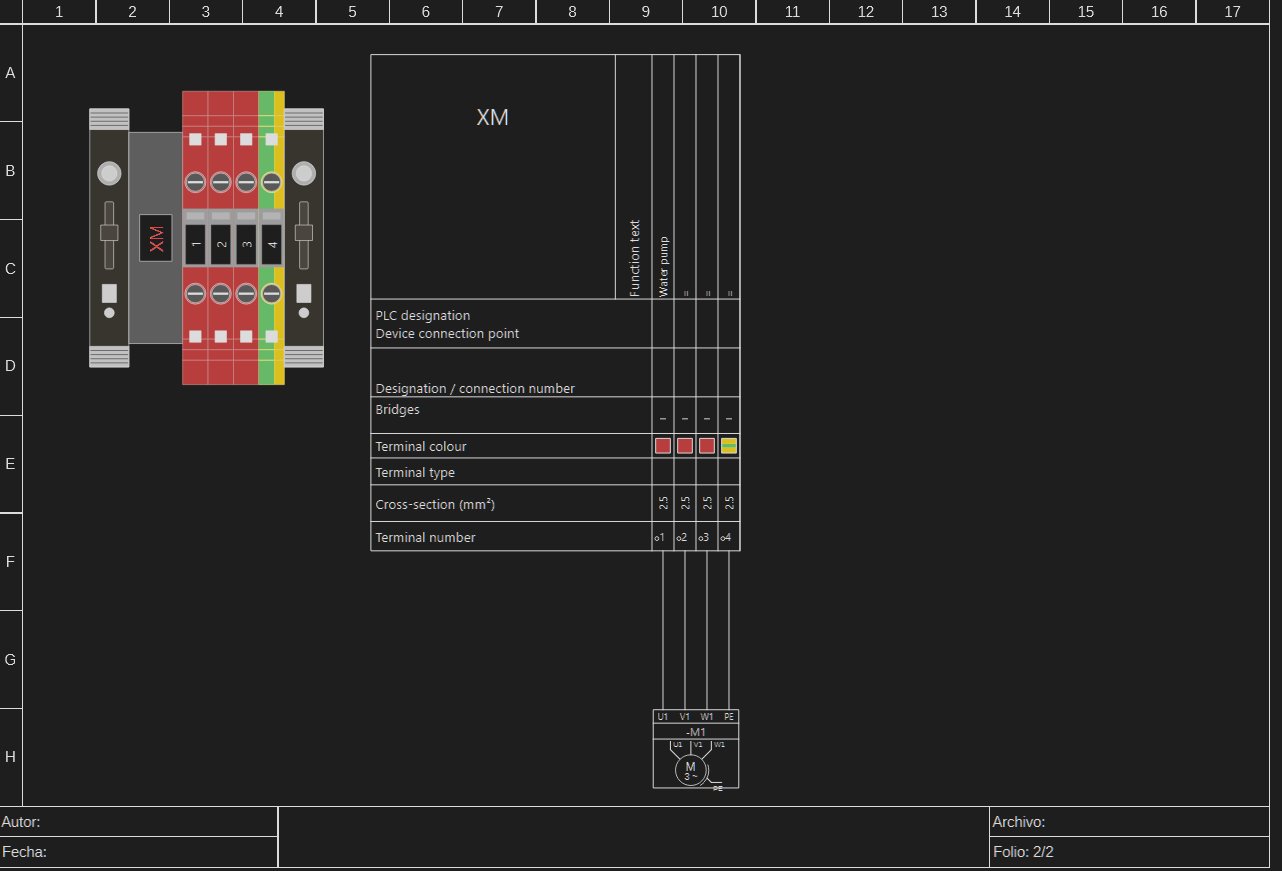
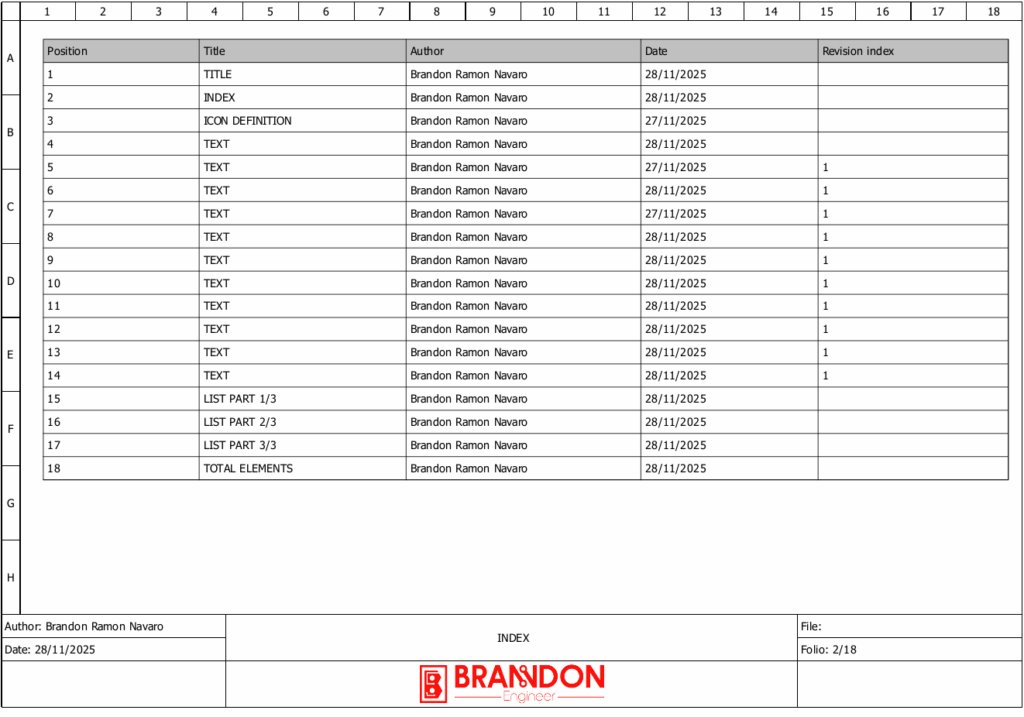
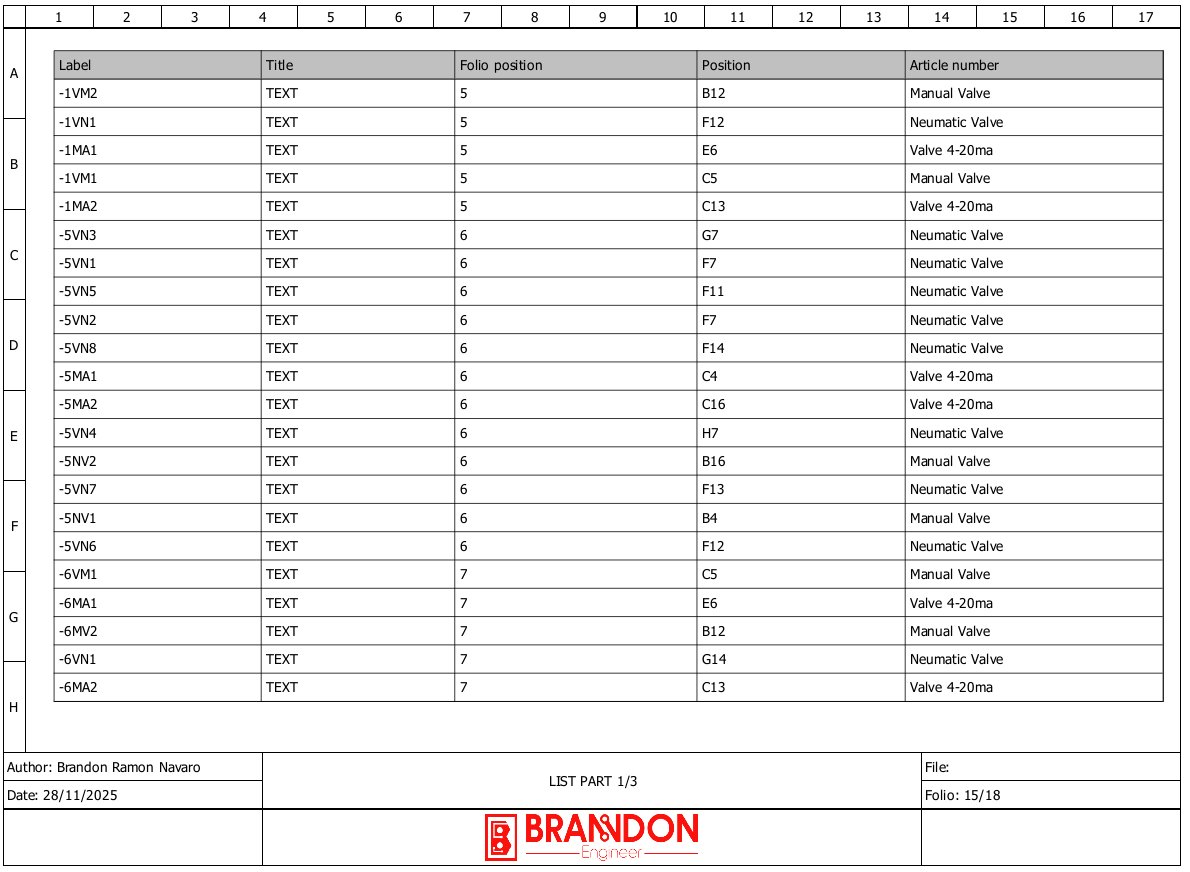
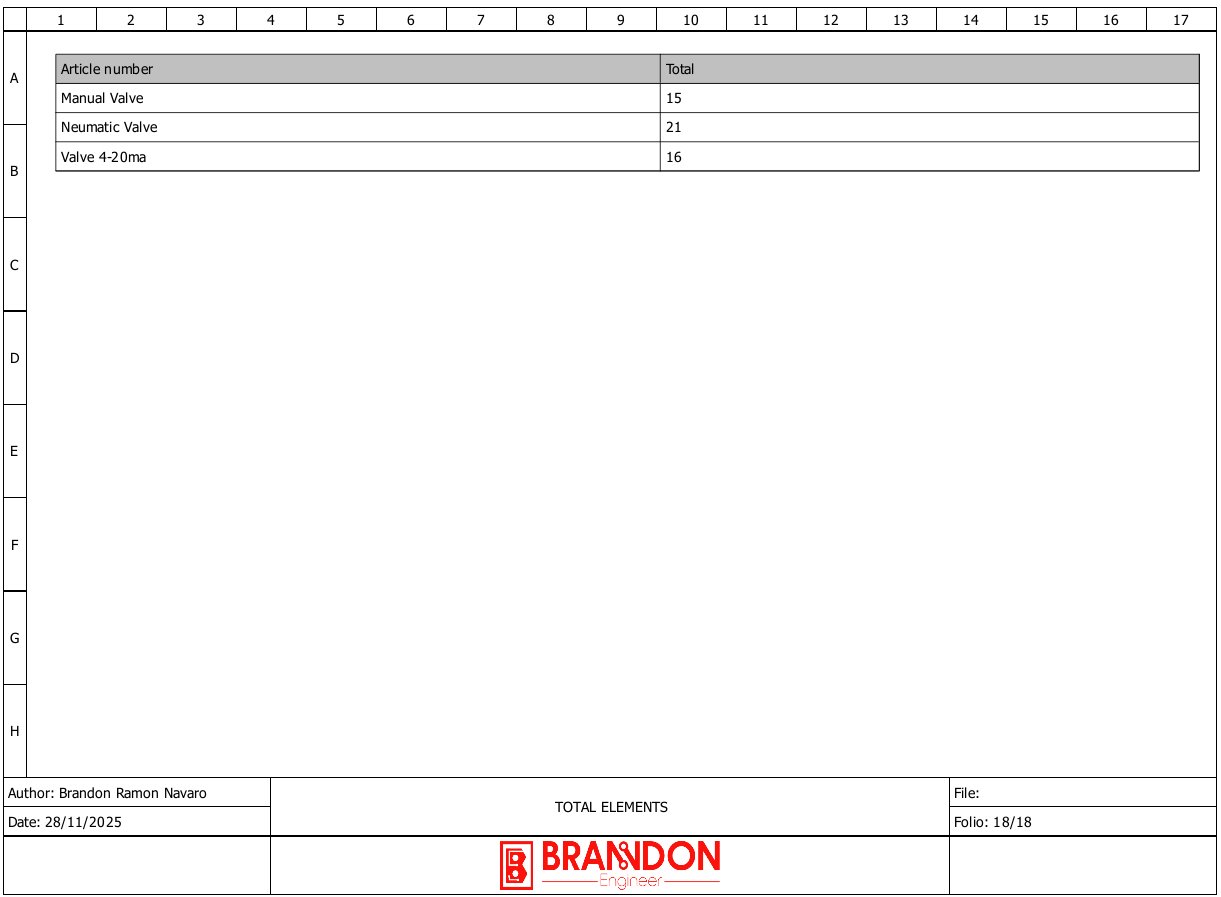
Screenshots of the development version with a sample project.
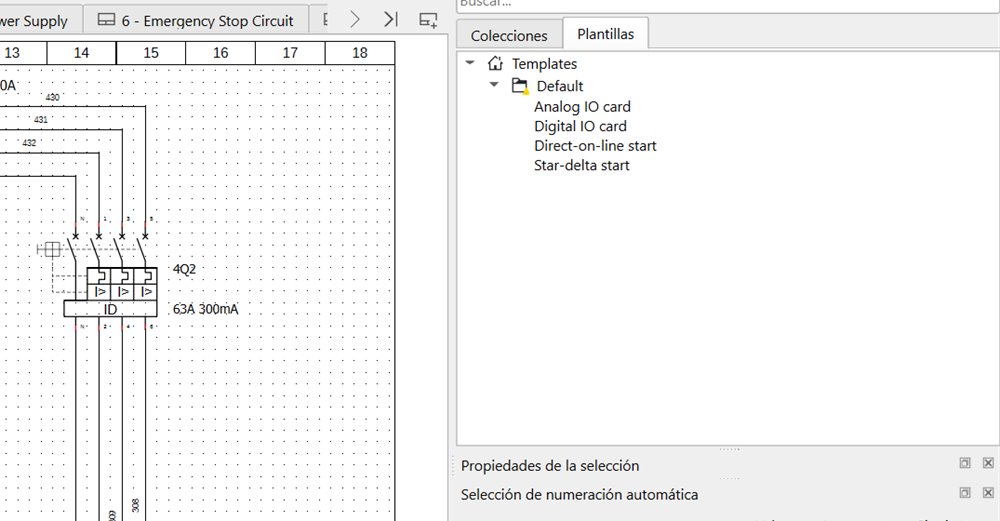
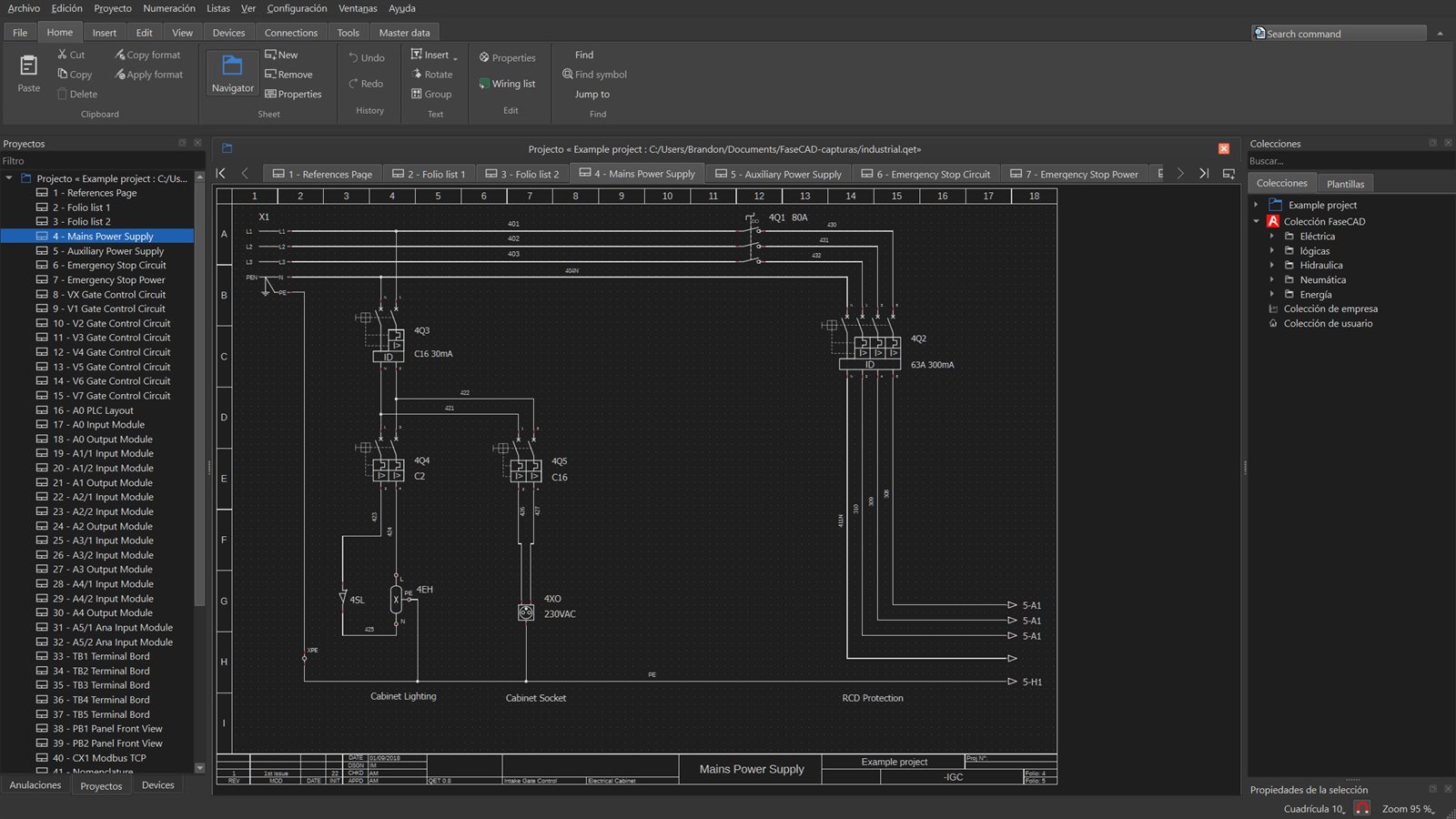
Items marked “in development” already work on a test branch. Items marked “planned” come later.
Manufacturer, order number, supplier and internal references, dimensions, weight, technical data, accessories, image and DXF. Stored locally or in a shared office folder.
In developmentUsed and spare cores of each cable, warnings when something is missing, and a core plan you can export to CSV and PDF. Cable types come from the parts database.
In developmentCommands grouped in tabs: Home, Insert, Connections, View and more. Optional, for anyone who prefers the classic menus.
In developmentOne setting for the interface and the sheet. It can also follow the Windows theme.
In developmentTerminals defined by their part (pitch, cross-section, levels, bridges) and terminal strip overviews generated automatically.
PlannedPlant, location and device according to IEC 81346, with navigators to find any terminal or cable.
Guide: IEC 81346 reference designation PlannedProjects in .qet format open unchanged, with the same symbols and the same look.
There is no installer yet. It builds with Qt 6 and CMake, and on Windows a script sets everything up.
git clone --recursive https://github.com/Brandix97/FaseCAD.git
FaseCAD is in development: do not use it for production work yet.
A free, open-source program for drawing electrical schematics for control panels and machines: power and control circuits, terminals, cables and reports, all from a single project model.
Yes. It is free software under the GPL v2 or later: no paid edition, no locked features, and the source code is open on GitHub.
Yes. FaseCAD works with the .qet format: it opens those projects as they are, with their symbols, and saves in the same format.
Yes. Projects are readable XML and the program exports to PDF, SVG, DXF and reports from the command line, so an AI assistant can read them, review them and make changes.
FaseCAD is free and will stay free. Every donation turns into development hours.